Reveal ID
Reveal ID is an end user application that displays the AssureID Sentinel results after a document is scanned. It provides the details of the biographic information extracted from both ICAO- (International Civil Aviation Organization) and non-ICAO-compliant identification documents, including passports, visas/travel permits, driver’s licenses, military IDs, alien registration cards, and passport cards. Reveal ID can also provide the AssureID Sentinel authentication results and real-time security feature analysis if you have an Authentication license key.
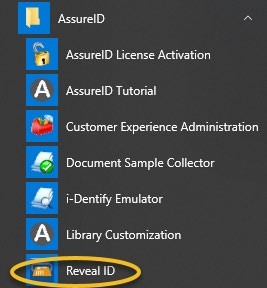
This document describes how to configure the Reveal ID settings and how to view and interpret the results. Reveal ID is automatically installed with AssureID Sentinel. To start Reveal ID, click Start > AssureID > Reveal ID.
You can use Reveal ID to:
- Save a .sample file of an ID for GBG Support can use to troubleshoot any document issues
- Save Transaction Reports of document scans
- Customize the Home screen display (which fields to present to the user, such as name, DOB, and address)
If you have an Authentication license key, you can take a closer look at authentication results run on a particular ID (the number and types of tests run will depend on the ID’s series, type, and class)
Home page
Section titled “Home page”The Reveal ID startup window shows the Home page.
Note: Before you begin, make sure that your scanner is connected and powered on, and the AssureID Sentinel service is started. If the scanner is not connected or if the service cannot locate the device, a No scanner connected message appears on the Home page.
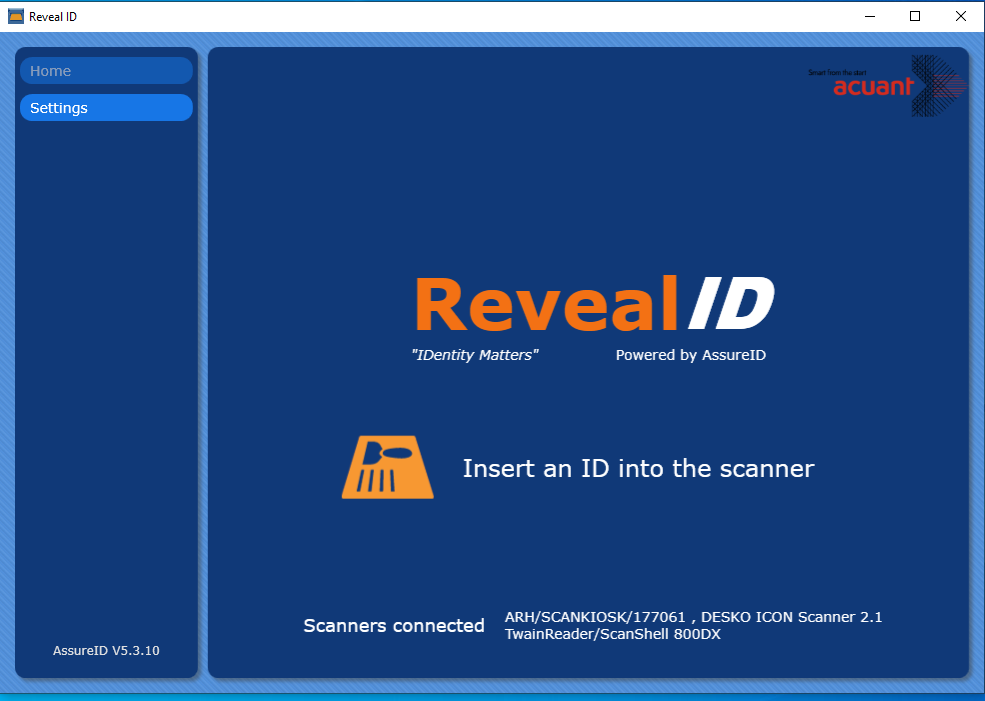
The version of the software is identified on the bottom left of the page. When a scanner is connected and powered on, and the AssureID Sentinel service is running, the Home page displays the device type:
To modify the default Reveal ID settings, click Settings.