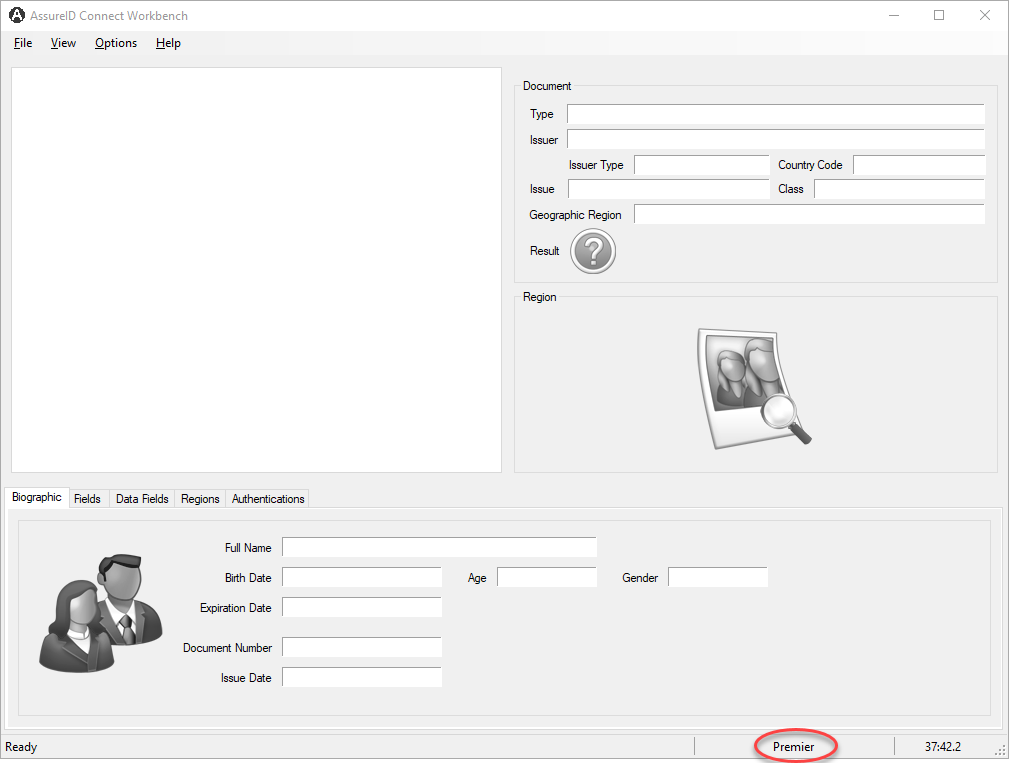
AssureID Connect Workbench
The AssureID Connect Workbench is an application that developers can use when developing their own applications. It lets you submit images of documents to the AssureID Connect Web Service and view the results of the document transaction, including the data fields extracted and authentication results.
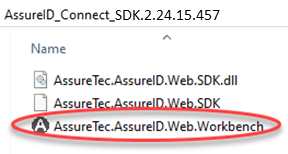
The Workbench application is included in the product .zip file posted to the Tech Support Downloads page. For example:
Workbench application window
Section titled “Workbench application window”After you log in to Workbench, the startup page is empty until you submit a document for processing.
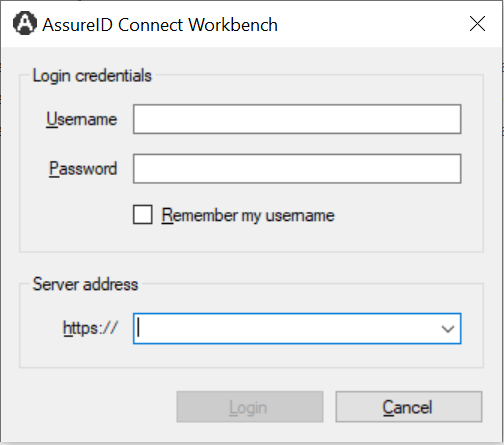
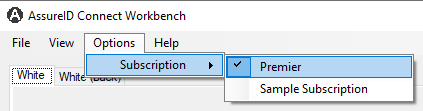
You can select a subscription name from the Options > Subscriptions menu. For example:
Note: The subscription name is displayed in the status bar in the lower right of the window.