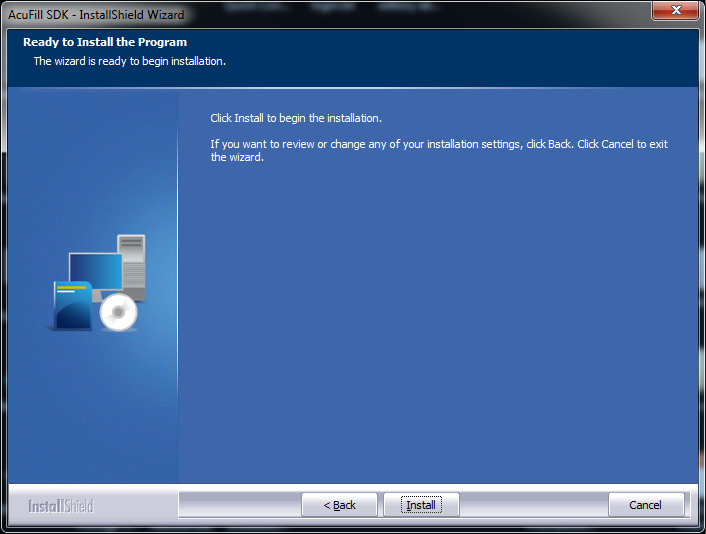
Silent installation
You can silently install the AcuFill SDK using the following procedure.
Install the AcuFill SDK package
- Download the sdk_setup_is.exe or the sdk_setup_x64_is.exe file from downloads.acuant.com.
- Download the silent_installer.zip file.
- Unzip the file and read the readme.txt file before you begin the silent installation.
- In the SDK Silent folder, open the setupparams.txt file.
- Make sure that MAINDIR=C:/ points to the SDK installation directory.
- Select the appropriate components list that is associated with APP_COMPONENTS= and COMPONENTS= and select the scanner model.
- Right-click the silentInstaller.bat file and select Edit.
- Make sure that C:/SDK_Silent_Installer/sdk_setup.exe points to the location of sdk_setup_is.exe or sdk_setup_x64_is.exe.
- Make sure that C:/SDK_Silent_Installer/SetupParams.txt points to the location of setupparams.txt.
- Run silentinstaller.bat. The installation progress displays in the taskbar.