

Activate the licence
After you complete the AcuFill SDK installation, you must activate your AcuFill SDK license.
Activate the AcuFill SDK license
-
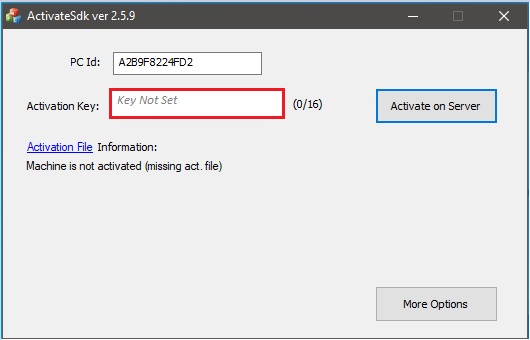
Go to Start > Acuant > Activation. The ActivateSDK window opens:
-
In the Activation Key field, enter the activation key and then click Activate on Server.
If activation is successful, the following message dialog box opens:
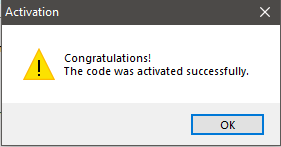
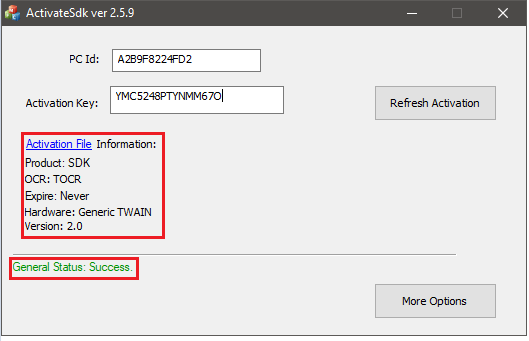
Click OK. The ActivateSDK window now displays the license details.
If you enter an invalid Activation Key, the following alert is displayed:
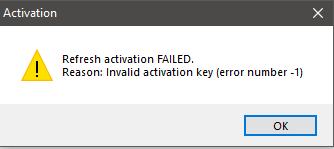
Click OK and reenter a valid activation key. If the activation fails again, contact GBG Technical Support using one of the following methods: Web: https://gbgamericas.my.site.com/support Phone: 866-520-1234 Normal support hours are 8:00 AM EST – 8:00 PM PST, Monday through Friday.