

Audit
Auditing capabilities are built into the IDscan solution. Auditing is enabled by default

Click for a larger view
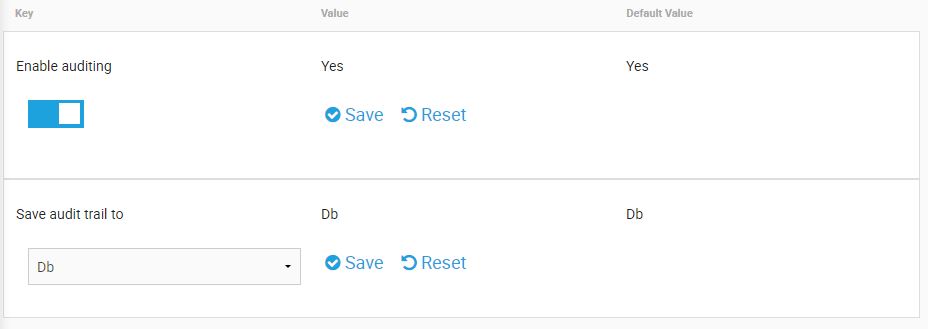
To enable Auditing, simply toggle the ‘Enable Auditing’ option to the Yes position’
Click for a larger view
Once enabled, Administrators can configure where the Audit file is stored. Audit trails can be saved directly to the Database or to a file location.
If the File option is selected, the Administrator must indicate the file path in which they would prefer the Audit file to be stored.

Click for a larger view
This option will allow user to download audit log from Admin Portal based on the selected period.
