

Using native or third-party camera
Requirements for using specific parts of the customer journey (while sending) if not using our provided solution.
Note: Intent called native camera mostly returns 95% compression rate. If set to 100%, the image size will increase.
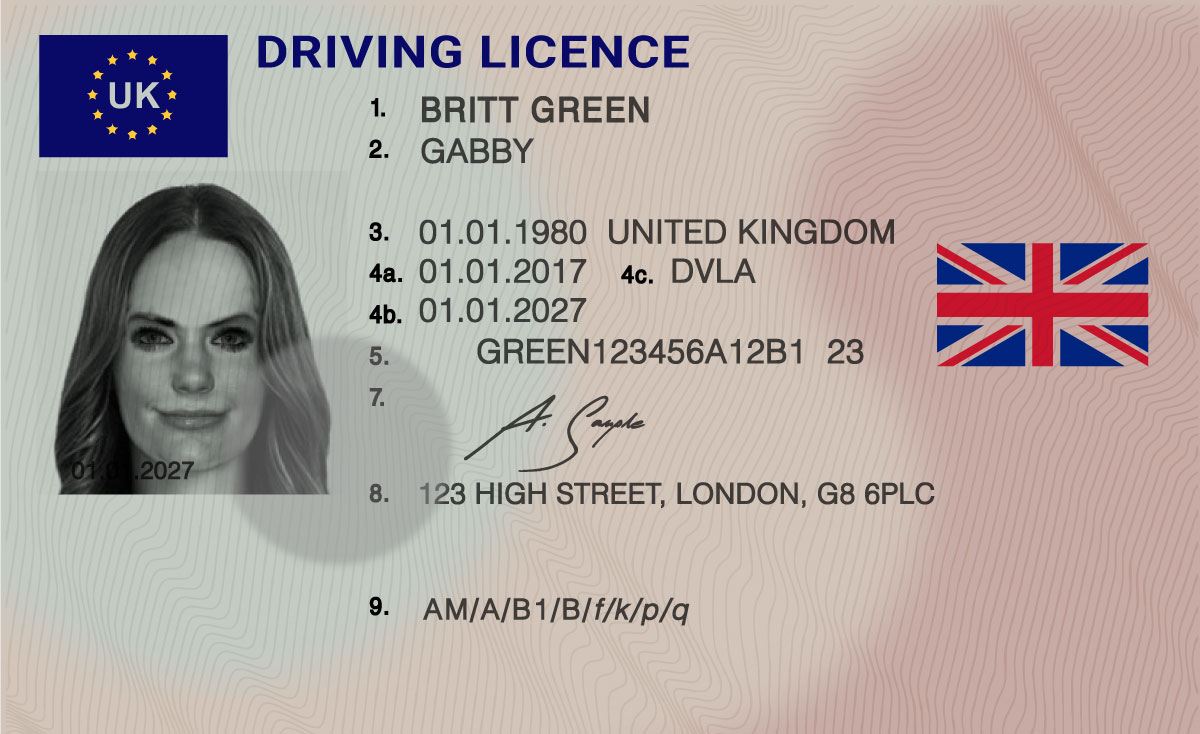
Uploading Identity document
Section titled “Uploading Identity document”Resolutions: FULL HD if the document is not cropped it should fill min 90% of this space.
Image Format: JPEG
Image Compression: Recommended 100 or at least 90% as it will affect OCR reading.
Sending uncropped document images:
Swift
request.isExtracted = falsePreferred orientation:
Uploading proof of address document
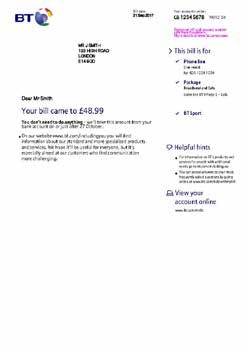
Section titled “Uploading proof of address document”Resolutions: 4K, if the document is not cropped it should fill min 90% of this space.
Image Format: JPEG
Image Compression: Recommended 100 or at least 90% as it will affect OCR reading.
Do not forget to add source:
Swift
request.documentSource = .utilitySending uncropped document images:
Swift
request.isExtracted = falsePreferred orientation:
Uploading selfie
Section titled “Uploading selfie”Resolutions: 1024 x 640 fill 70 % at least. (Bigger resolutions can influence results heavily)
Image Format: JPEG
Image Compression: Recommended 100 or at least 90%.
Do not forget to set selfie as:
Swift
request.addSelfieImage(image)Preferred orientation:
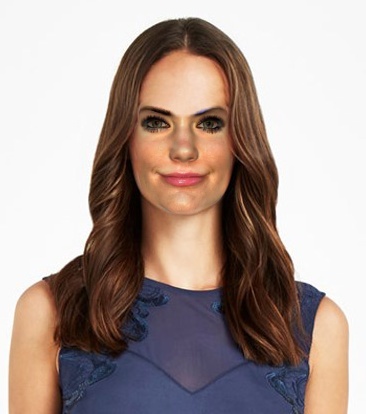
NOTE: Use preferred orientation, as the incorrect orientation can heavily affect results. This issue is observed in the release of IEOS 7.7.3.