

Deploying on IIS
As of version 2.0.1, GBG recommends using a dedicated application server with a dedicated IIS, therefore you should remove the Default Web Site to avoid any conflicts.
Remove the default website
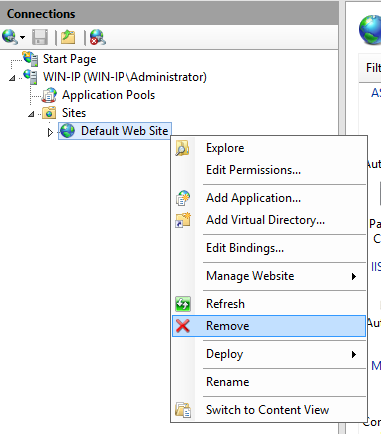
- Go to Administrative Tools > Internet Information Services (IIS) Manager.
- In Connections, click Computer Name > Sites.
- Right click Default Website and select Remove.