

IDES Uninstallation
Before uninstallation please make sure that IIS is stopped.
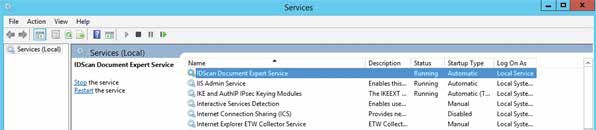
- Please stop the IDES windows service.
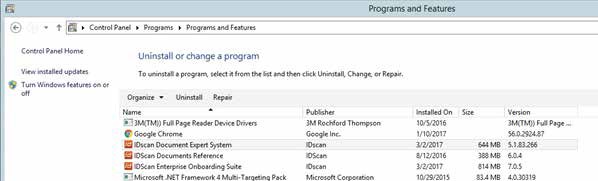
- From Control Panel > Programs, Uninstall IDscan Document Expert System
The new IDES installer can now be run.
Before uninstallation please make sure that IIS is stopped.